Wearables · Explainer · 4 min ·
Is your watch sitting right? Slide the band and see how fit changes your heart rate reading
Most "my watch is wrong" moments are really "my watch moved" moments. A wrist heart rate sensor needs steady contact with your skin, so where you wear it and how snug the band is change how good the number is.
Slide the band from loose to snug, move the watch up the arm, and see how a loose watch adds noise while you jog or lift. Plus the manufacturers' own fit advice and when a chest strap is the better tool.
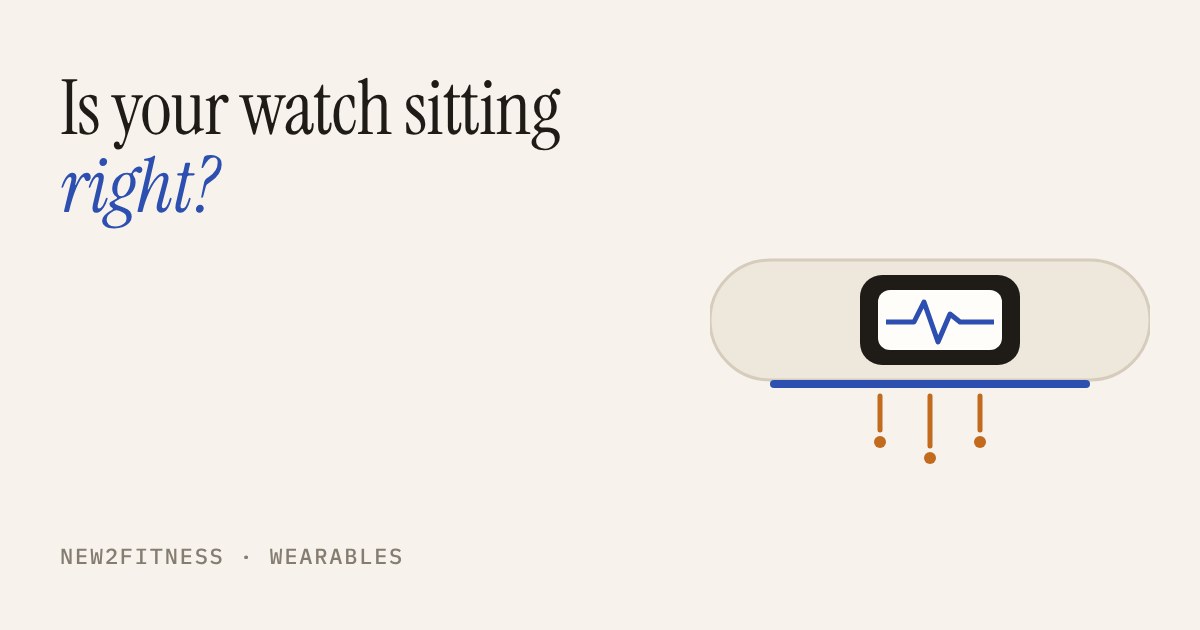
Your watch reads your heart rate by shining green light into the skin of your wrist and watching how much of it comes back as blood pulses through. That only works if the sensor sits still against the skin. Most "my watch is wrong" moments in a first year of training are really "my watch moved" moments, and you can fix those for free.
What the sensor needs
The light sensor on the back of the watch has one job: stay in steady contact with your skin. If the watch slides or the sensor lifts away for a moment, the reading gets jumpy or lags behind what your heart is really doing. The manufacturers say much the same thing in their manuals. Garmin asks you to wear the watch above your wrist bone, snug but comfortable, and not to overtighten it, so that it does not shift while you run or exercise. Polar is more specific: wear it at least a finger's width up from the wrist bone, with the band firm enough that the watch can't move on your arm.
So there are really three things you control: where it sits, how snug the band is, and what you are doing while it records. The third one you often can't change, which is why the first two matter.
Start with the band slider on loose and the position near the wrist bone, then drag both towards "snug" and "a finger up". The line you see on the watch gets closer to the real one. Now switch to lifting: gripping a bar tenses the muscles and tendons near the sensor, and a loose watch has the most trouble there.
The snug-but-not-tight sweet spot
Snug does not mean tight. Both manufacturers warn against overtightening, and Garmin notes that some people get skin irritation after long use, especially with sensitive skin. A band that leaves marks or makes your hand tingle is too tight, and no accuracy gain is worth that. The slider shows a warning when you go past comfortable.
A simple check from Polar's manual: with the watch on, push the band up and down from both sides of your arm. The sensor should not lift off the skin, and you should not see the sensor's light leaking out at the edges.
A routine that takes ten seconds
- Before a session: move the watch a little further up your arm than usual and tighten the band one notch. Polar suggests wearing it for a few minutes before you start, and warming up your skin if your hands get cold easily.
- During: try not to adjust it. If it slips, move it back and re-tighten at the next rest.
- After: loosen the band again. Polar recommends this, and so does common sense for skin comfort. Give your wrist a rest from the watch from time to time, and keep the back of the watch clean and dry.
- Tattoos: Polar advises not placing the sensor directly on a tattoo, as it may prevent accurate readings. Wear it on the other side or a different spot on the arm.
When fit is not enough
Some activities are just hard on a wrist sensor: gripping and lots of arm movement, or quick jumps in effort such as sprint intervals. Polar's own manual points to a chest strap for those cases, and says its strap reacts faster to rapid changes. If you mostly walk, jog easily or do steady cardio, a well-fitted watch is usually good enough to see your effort level. Think of the number as a guide to how hard you are working, not a measurement to the beat.
A watch is a fitness gadget, not a medical device. If a reading looks alarming, or you feel dizzy, get chest pain or feel unwell while training, stop and speak to a doctor. Don't try to fix it with strap tweaks.
What to take away
Wear it a finger's width above the wrist bone, snug enough that it does not slide, loose again once you have finished. That one habit costs nothing and removes the most common cause of odd heart rate readings.